
Their Wishlist. Your Support.
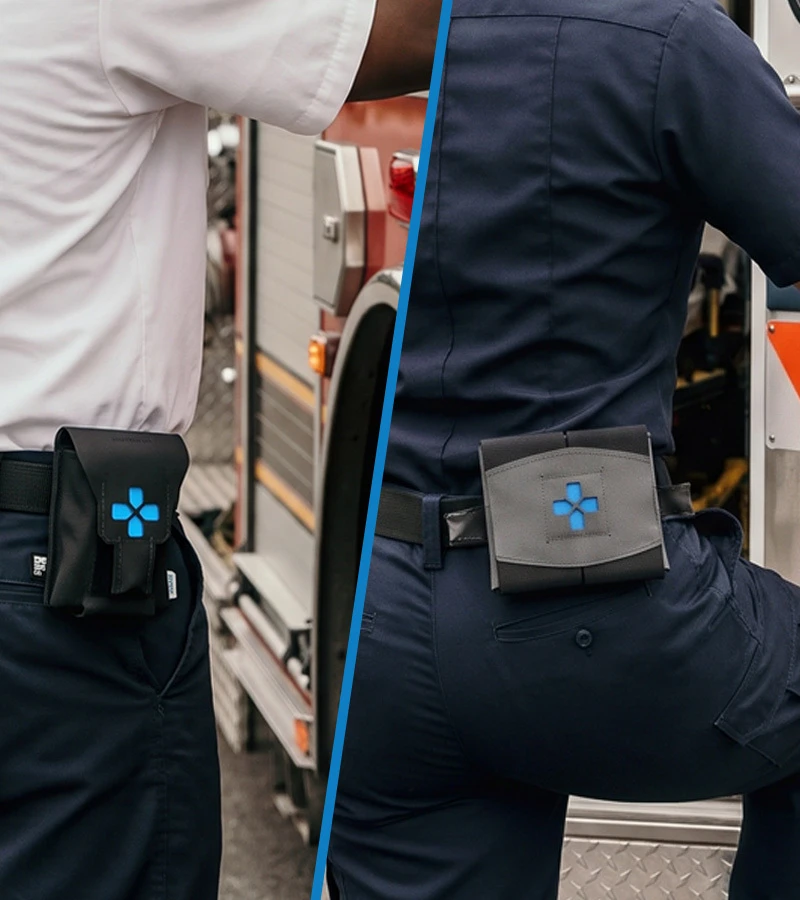
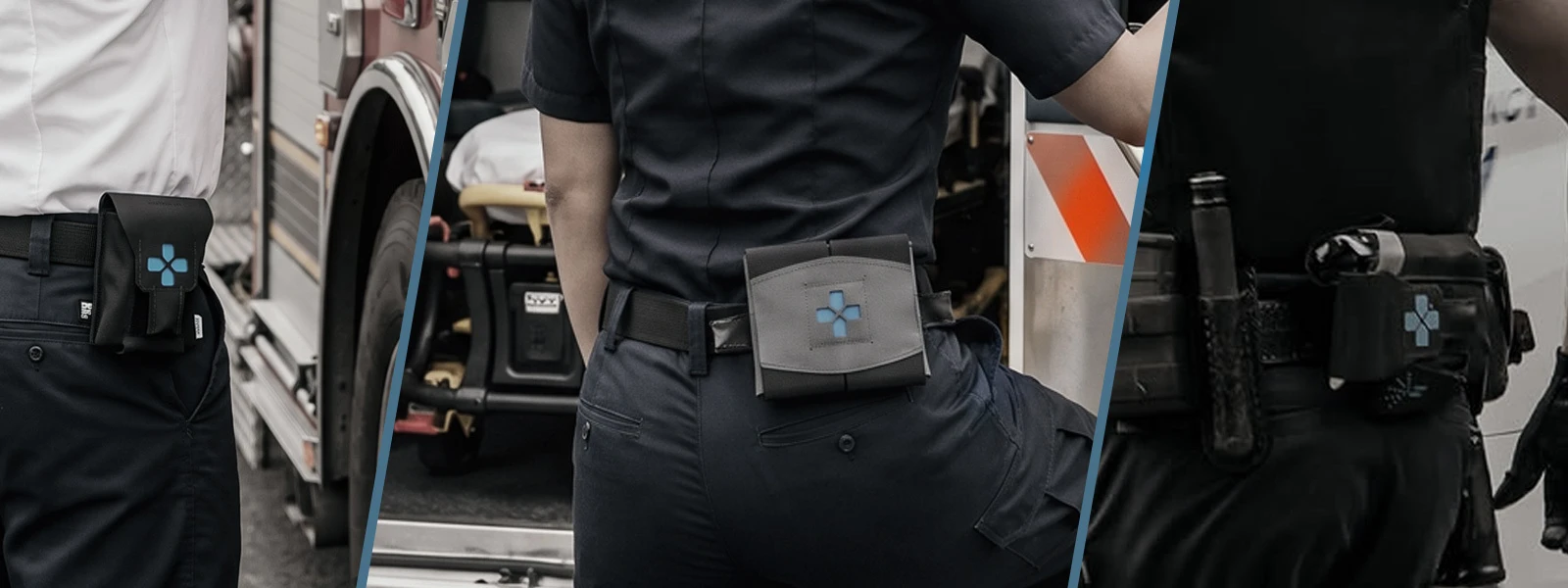
This giving season, Blue Force Gear is helping connect communities with the departments and agencies that serve them.
Fire departments, police departments, EMS, forestry teams, and other agencies can create and share public wishlists of the gear they need. Supporters can follow the shared link, select an item, and have it shipped directly to the participating department or agency by changing the shipping address at checkout.
No guessing what they need. Just a direct way to put useful gear in the hands of people serving your community.
Look on your favorite social media platform for local departments or search #bfgsupport to find more lists.
As always, we are here to support you as well. BFG will be randomly selecting departments throughout the month of November and sending up to $500 worth of gear from your list.
Check back to this page often to see Wishlists submitted.
How departments can get started:
"Help support our department. We've put together a wishlist of gear our team could use. Click the link below to see the list and help support us directly. #bfgsupport"